
Diffit AI Review for Teachers: Does It Actually Save You Hours, or Just Feel Like It Does?
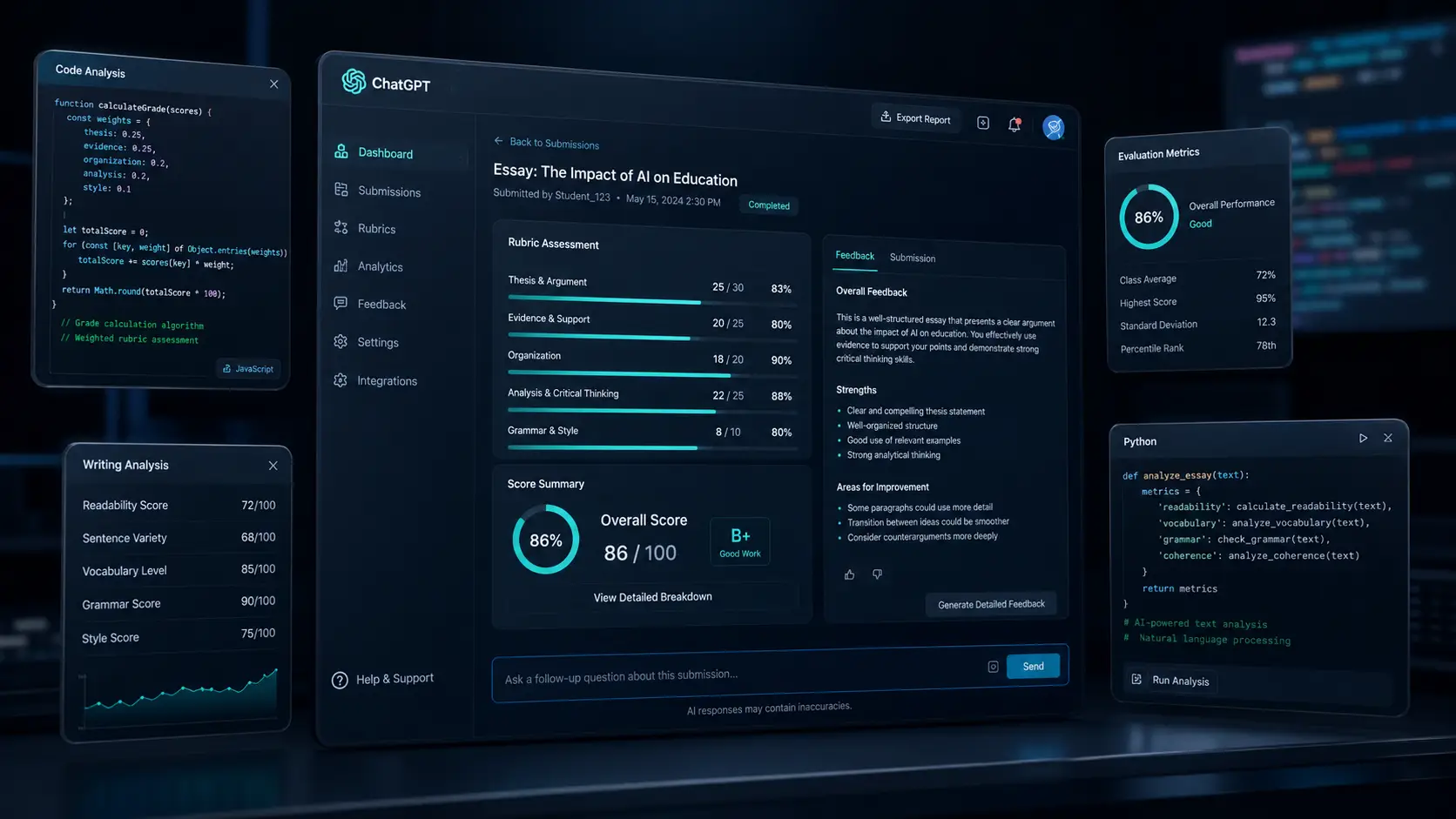
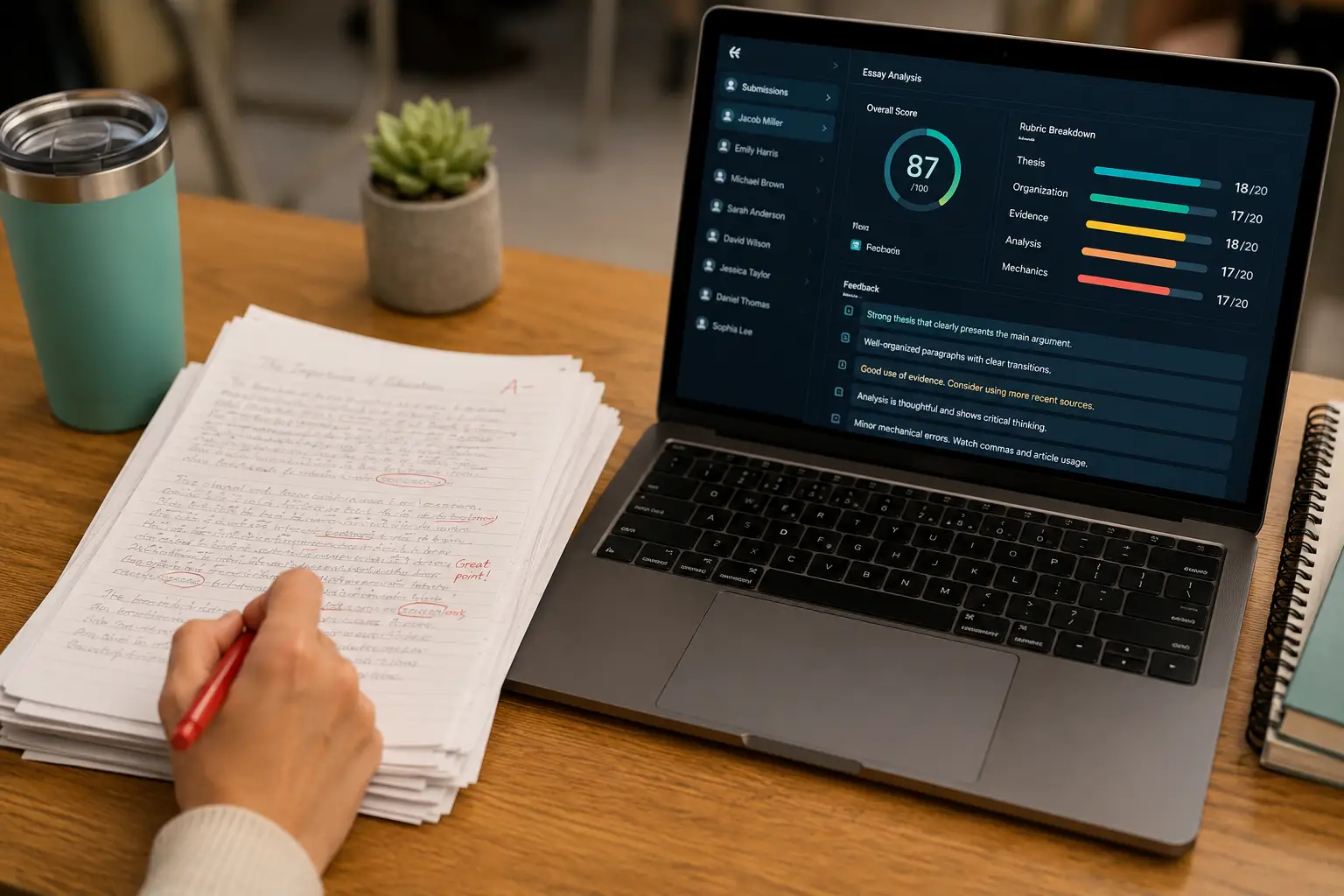
A teacher with 34 kids reading at nine different levels doesn’t need another app to explore — she needs three versions of Friday’s article ready before her coffee gets cold, and that single problem is the entire reason Diffit exists. This Diffit AI review for teachers skips the marketing language and looks at what the tool does when you’re grading at 9pm with no time left to test-drive software. If you’re deciding whether to add Diffit to your toolkit, or whether to recommend it school-wide, here’s what matters: what it does, what it costs, where it earns its keep, and where it doesn’t. What Diffit Actually Does (No Fluff Version) Diffit takes a piece of text — an article you paste in, a PDF you upload, a YouTube video, or just a topic you type — and turns it into classroom-ready material at multiple reading levels. Type “photosynthesis” or drop in a New York Times article on the 2026 midterms, and Diffit outputs a leveled passage, comprehension questions, vocabulary support, and often a summary, all adjustable roughly from second grade through high school. That’s the core loop, and it’s the reason most teachers open Diffit in the first place: differentiation without three separate hours of manual rewriting. Every teacher preparation program talks about meeting students where they are. Almost none of those programs explain how to do that for 30 students across a 45-minute prep period. Diffit closes that gap by generating the differentiated versions instead of asking you to write them by hand. Beyond the original text-leveling feature, the 2026 version of the platform has expanded further than most teachers expect. The catalogue now includes lesson kits, station-rotation packs, decodable phonics readers, science labs, choice boards, substitute lesson plans, and unit tests. The core strength is still text adaptation, and that’s still what most classrooms use it for daily, but the tool has stopped being a one-trick app. One feature worth calling out on its own: multilingual translation that keeps instructional scaffolds intact across languages, not just a straight Google Translate pass. For teachers with multilingual learners, that’s frequently the single feature that justifies opening the app at all — a student can read the leveled English passage next to a native-language version without losing the comprehension supports built into the English text. The Real Cost: Pricing, Time, and What You Get at Each Tier Here’s where a lot of “Diffit AI review for teachers” content gets vague, so let’s be specific. The Basic plan is free, with no credit card required, and it’s genuinely usable — not a crippled trial. On the free tier you can generate adapted passages, comprehension questions, and vocabulary support from any text, article, or video link, at multiple reading levels, and export to PDF. For an individual teacher who wants to differentiate two or three times a week, the free plan covers that use case without friction. The Individual Pro plan runs $14.99/month or $149.99/year. Paying unlocks unlimited generations, export directly to Google Docs and Slides, the full activity library (lesson kits, station rotations, and the rest), and one feature that changes daily workflow more than any other: one-click export to Google Classroom. If your school runs on Google Classroom, that single export function is often worth the subscription on its own, because it removes the copy-paste step between “material generated” and “material assigned.” Diffit for Schools is priced as a custom annual rate based on student enrollment, quoted directly rather than published as a flat number. That’s a legitimate friction point if you’re an administrator trying to compare three tools on a spreadsheet before a budget meeting — you’ll need to request a quote rather than pull a number off the pricing page. On time saved, teachers using the tool consistently report a range of two to five hours per week, depending on how much differentiation their normal workflow already required. A teacher who used to build three versions of every reading passage by hand — the accommodated version, the on-level version, and the extension version — is the profile that sees the high end of that range. A teacher who only occasionally modifies texts will see less, because there’s less manual work to replace in the first place. The ROI math for a department chair or curriculum director is straightforward: multiply the hourly rate of your teaching staff by the hours saved per week, per teacher, and compare that to $149.99 a year for an individual license or the quoted district rate. For most schools, the free tier alone already pays for itself in reclaimed prep time, and the paid tier is a rounding error next to a single teacher’s weekly planning hours. Run the numbers on a mid-size department to see why this matters at scale. A six-teacher social studies department, each spending three hours a week hand-building differentiated versions of primary sources and reading passages, is burning roughly 18 staff-hours weekly on work Diffit can compress to a fraction of that time. At even a conservative $35 hourly rate for prep-period work, that’s over $600 a week in staff time going toward manual differentiation that a $149.99-a-year license per teacher — under $900 total for the department — could largely absorb. The free tier alone might cover half that department’s needs before anyone signs a purchase order. That’s the kind of comparison worth putting in front of a principal, because it’s not a soft “this tool feels helpful” pitch — it’s a direct swap of paid staff hours for a subscription line item. Compare that against what happens without a tool like this in place. Differentiation either doesn’t happen consistently, because there isn’t time, or it happens unevenly across a department, with some teachers building out full leveled sets and others handing every student the same text regardless of reading level. Neither outcome is a knock on the teachers — it’s a predictable result of asking people to do work that used to take real time and calling