
The Best Free AI Tools for Teachers 2026 Are Your Fastest Shortcut Into the AI Industry
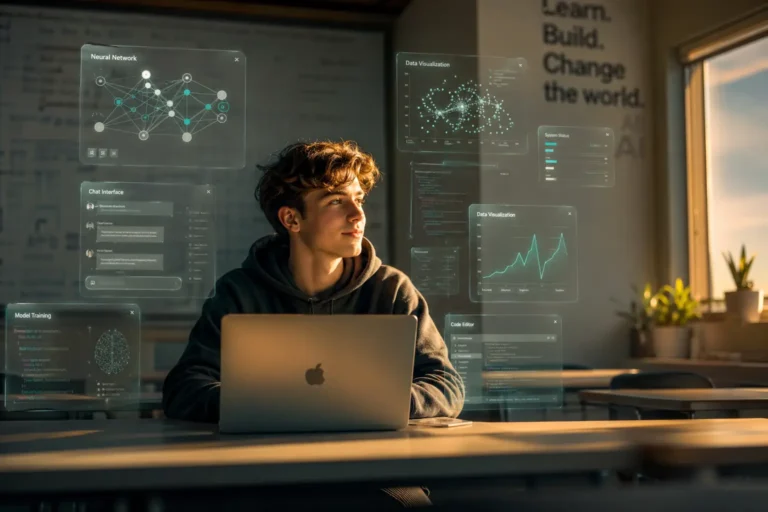
Every beginner who cracked AI fast did it with the same unfair advantage — they learned on free tools built for teachers, not engineers.
Table of Contents
ToggleMost people entering the AI industry assume they need a CS degree, a paid Coursera subscription, or six months of self-study before they touch anything real. That assumption costs them a year. The best free AI tools for teachers 2026 shatter that assumption completely — because they strip away jargon, give you working models on day one, and reward curiosity over credentials. If you want to build real AI skills fast, start where educators start, not where researchers start.
This article lays out exactly which tools to use, how to sequence them, and what you can realistically build in 30 days — all without spending a cent.
Why Beginner AI Learners Learn Faster With Teaching-Focused Tools
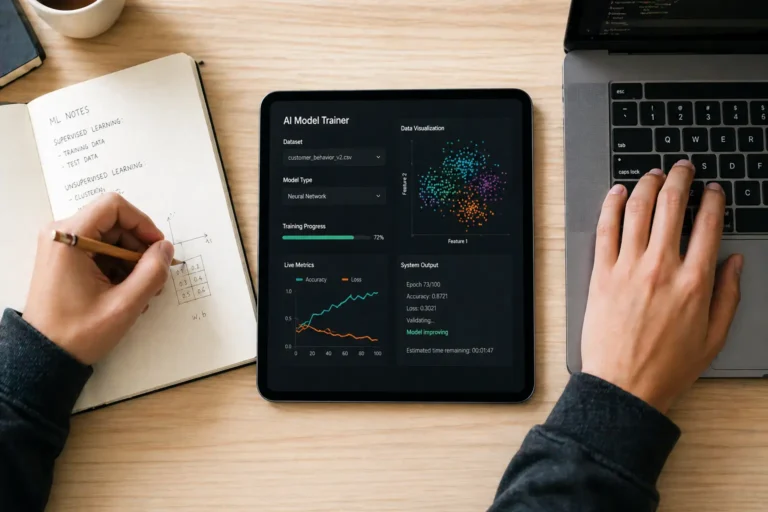
The AI industry’s biggest onboarding failure is throwing beginners at developer-first documentation. PyTorch tutorials assume you already know matrix calculus. OpenAI’s API docs assume you know what a REST endpoint is. Teaching-focused tools make the opposite assumption — that you know nothing, and that your job is to figure things out by experimenting, not reading theory.
Google’s Teachable Machine, for instance, lets you train an image classifier in under four minutes using your webcam. No code. No cloud setup. No API key. You drag photos, hit “train,” and watch a neural network learn what a thumbs-up looks like versus a peace sign. That single four-minute session teaches you more about supervised learning than two hours of watching a lecture — because you feel the feedback loop. You see your model fail, adjust your data, and fix it yourself. That is how experts actually think about ML, just compressed into a beginner interface.
This is the core argument: the best free AI tools for teachers 2026 accelerate beginners not because they are simple, but because they make complexity visible without making it prerequisite. You interact with real AI systems — transformer models, classifiers, generative pipelines — through interfaces designed to surface what matters, not hide it.
4 min
To train your first model with Teachable Machine
$0
Total cost of the starter stack below
30 days
The Exact Free AI Tool Stack to Use in 2026
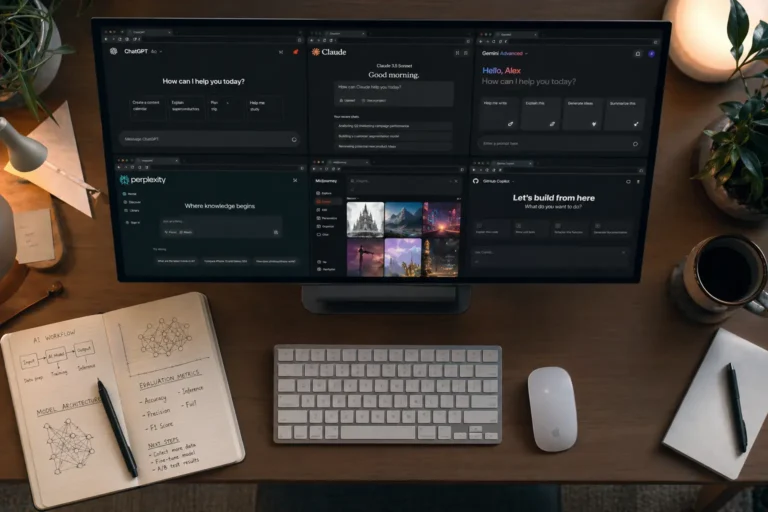
Not every free tool earns a place in your learning stack. Some are demos with no depth. Others require institutional login access that blocks most new learners. The tools below are accessible to anyone with a browser, actively maintained heading into 2026, and genuinely useful — not just impressive-looking toys. These are the best free AI tools for teachers 2026 that also serve as the ideal AI beginner curriculum.
Teachable Machine
Train image, sound & pose classifiers. No code. Instant feedback on data quality.
Google Colab (Free Tier)
Run Python and Jupyter notebooks with free GPU. Your first real coding environment.
ML for Kids
Build Scratch-based AI projects. Forces you to think about training data before models.
Hugging Face Spaces
Run and fork live AI demos — text, image, audio. See production models, read their code.
fast.ai (Free Course)
Top-down practical deep learning. Builds a working model in lesson one, explains later.
Claude.ai / ChatGPT Free
Your AI pair-programmer. Use it to explain code errors, generate test datasets, debug logic.
Sequence matters more than tool choice. Start with Teachable Machine to feel the data-model-prediction loop. Move to ML for Kids to practice labeling and dataset design decisions. Then open Hugging Face Spaces and start forking demos — reading the code behind tools you just used. By week three, open Google Colab and run your first notebook. The fast.ai free course runs parallel to all of this, one lesson per week. This stack builds conceptual understanding and hands-on capability simultaneously, which is exactly what the best free AI tools for teachers 2026 are designed to do.
From Zero to Demonstrable: What You Actually Build in 30 Days
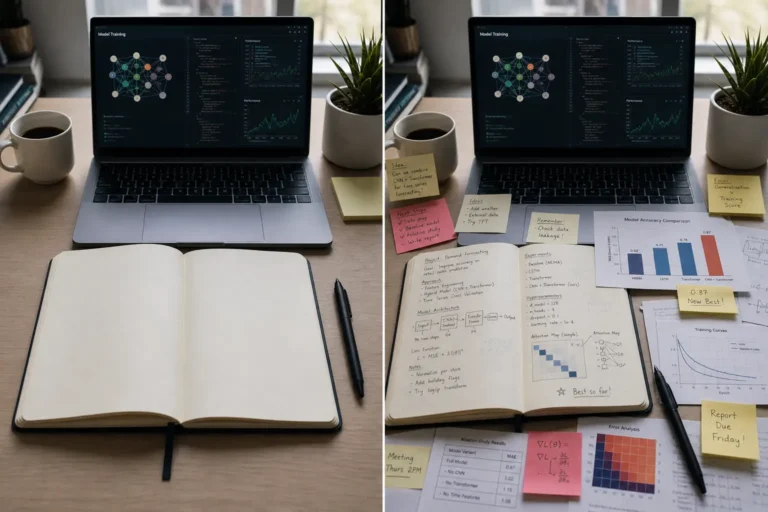
Beginners make the mistake of measuring progress by content consumed — hours watched, articles read, courses completed. Founders and hiring managers measure AI fluency differently: they want to see what you built, what broke, and what you did about it. Thirty days on the free stack above produces three concrete artifacts that demonstrate real AI literacy.
Week one produces a working image classifier with documented accuracy — you define the problem, collect your own training data, train the model, and write two paragraphs about why it underperforms on edge cases. Week two produces a text classification project on Hugging Face: you fork an existing sentiment analysis model, retrain it on a custom dataset you build yourself, and deploy it as a public Space. Week three opens Colab — you run a computer vision notebook end-to-end, change hyperparameters deliberately, and document what each change did to validation accuracy. Week four connects everything: you write a one-page technical brief explaining the tradeoffs between three approaches to your original problem from week one.
That four-week output — three working projects plus a written technical analysis — gives any beginner more credibility than most six-month bootcamp certificates. It exists because you used the best free AI tools for teachers 2026 the way their designers intended: as scaffolding for experimentation, not passive instruction.
Why Free AI Tools Give Beginners a Structural Advantage in 2026

Paid courses create a dangerous illusion of progress. You complete modules, collect badges, and feel like you understand machine learning — but you never fought with a bad dataset, debugged a broken training loop, or explained a model’s failure to yourself in plain language. Free tools remove the completion-metric reward system entirely. Nobody congratulates you for finishing Teachable Machine. You build something, it either works or it does not, and you figure out why.
The best free AI tools for teachers 2026 also reflect where the industry actually operates. The biggest shift in applied AI over the last two years is not model architecture — it is data quality, prompt design, and the engineering of evaluation pipelines. Teaching tools force you to engage with all three from minute one. You define your classes (data quality), you write the labels (prompt design), and you measure whether your model generalizes (evaluation). The cognitive habits you build on free teaching tools transfer directly to production AI work.
Paid tools at your stage optimize for engagement. Free teaching-focused tools optimize for comprehension. In a market where every company needs AI-fluent employees but very few people have genuine fluency, the beginner who built four real projects on free tools beats the person who paid for three certificates — every single time.
The AI industry does not reward the person who studied the longest — it rewards the person who broke things earliest and understood why they broke. The best free AI tools for teachers 2026 give every beginner exactly that starting position: the fastest, cheapest path from zero knowledge to real, demonstrable AI competence.
Stop waiting until you feel ready — open Teachable Machine right now, train something broken, and fix it. That single loop is worth more than any course you have not started yet.
FAQ
Frequently Asked Questions
The best free AI tools for teachers 2026 include Google’s Teachable Machine for hands-on model training, Hugging Face Spaces for exploring live AI demos, Google Colab for free GPU-powered Python notebooks, ML for Kids for dataset thinking, fast.ai’s free course for practical deep learning, and Claude.ai or ChatGPT Free as an AI pair-programmer. Together, these tools form a complete zero-cost learning stack.
Return shipping labels can be purchased for $3.99 if you are returning a single item or for $7.99 if you are returning multiple items. Return shipping labels can be purchased and all returns can be submitted in our Returns Portal.
Yes. Beginners do not need paid courses or a programming background to start. Tools like Teachable Machine train real image classifiers in under four minutes with no code. The key is starting with tools that show you the full data-model-prediction loop immediately, rather than tools that front-load theory before practice.
A focused beginner using the free tool stack above can build three demonstrable AI projects in 30 days. Week one produces a working image classifier. Week two produces a deployed Hugging Face model. Week three produces a documented Colab notebook. Week four produces a written technical analysis. That output beats most six-month paid bootcamps in practical credibility.
Yes. Teachable Machine remains one of the best free AI tools for teachers 2026 because it compresses the full supervised learning loop — data collection, model training, prediction testing — into a four-minute browser session. It teaches data quality intuition faster than any lecture-based resource.
- Dresses
- Bodysuits
- Accessories
- Shoes
- Swim & Lingerie
- Beauty
- NovaKids
- Sale Items
No. Tools like Teachable Machine and ML for Kids require zero Python. Once you understand the core AI concepts through those interfaces, Google Colab introduces Python in a guided notebook format that walks you through syntax as you go. Most beginners write functional Python within two weeks of starting on Colab.
Yes — if you use them to build and document real projects. Employers do not ask which platform you used; they ask what you built, what failed, and what you learned. The best free AI tools for teachers 2026 generate exactly those project artifacts when used intentionally over 30 days.